exocad DentalCAD is one of the most widely used dental design platforms in the world, and for many labs it has become second nature. Technicians open a case, run through the same wizard steps they have used for years, and send the file to the mill. It works, and it works well.
But a lot of capability sits just beneath that familiar workflow. Some of it is built into the core software, and some of it is available through add-on modules. Either way, many labs are paying for a tool that is far more capable than the way they are using it.
Here are five areas worth a second look. Availability of certain features depends on your license, bundle, and software version, so confirm what is included with your setup before planning around any of them.
1. Smile Design Tools
Most labs think of design software as something that happens after the treatment plan has been approved. Smile design tools turn that idea around. With the Smile Creator module, technicians can build a proposed smile from a patient photo and bring that plan into the 3D design environment.
This is useful well beyond aesthetics. A dentist who can show a patient a clear preview of the planned result is in a stronger position to explain treatment and earn confidence in the plan. For a lab, offering smile design as a service creates a new way to support the practices you work with, and it deepens the relationship in a way that fabrication alone cannot.
2. Model Creator for Printed Models
As more labs add 3D printers, the question of how to produce clean, print-ready models becomes a daily one. The Model Creator module is built for exactly that, generating printable models from digital scans with far less manual cleanup.
Labs that pair strong model production with an in-house printer can offer faster turnaround and add a printed model service for dentists who still want a physical reference. Note that module availability varies by license type and bundle, so it is worth checking where Model Creator sits in your current package.
3. Pre-Op Scans and Tooth Library Customization
A common frustration in restorative design is spending time reshaping a restoration that does not look like the patient’s natural dentition. Two underused tools can help. The first is the ability to bring a pre-operative scan into the design process so the restoration can follow the shape of the existing teeth. The second is customizing your tooth library and using anatomic morphing to adjust tooth shapes to suit a patient.
Labs that invest an afternoon in building a tooth library that reflects their house style often find designs come together faster and need fewer manual adjustments. That consistency also supports one of the biggest drivers of dentist loyalty: restorations that look right the first time.
4. Virtual Articulation and Jaw Motion
Occlusion remains one of the most common causes of chairside adjustments and remakes. Many labs design in a static position and leave dynamic movement out of the picture entirely.
exocad offers virtual articulator functionality, and with the right module, jaw motion data can be imported to simulate how the patient actually moves. That gives technicians a clearer view of contacts and interferences before a restoration is milled, rather than after it arrives at the practice. For complex cases, full-arch work, and anything with significant occlusal demands, this is a meaningful step toward fewer adjustments and fewer returns.
5. Add-On Modules That Open New Services
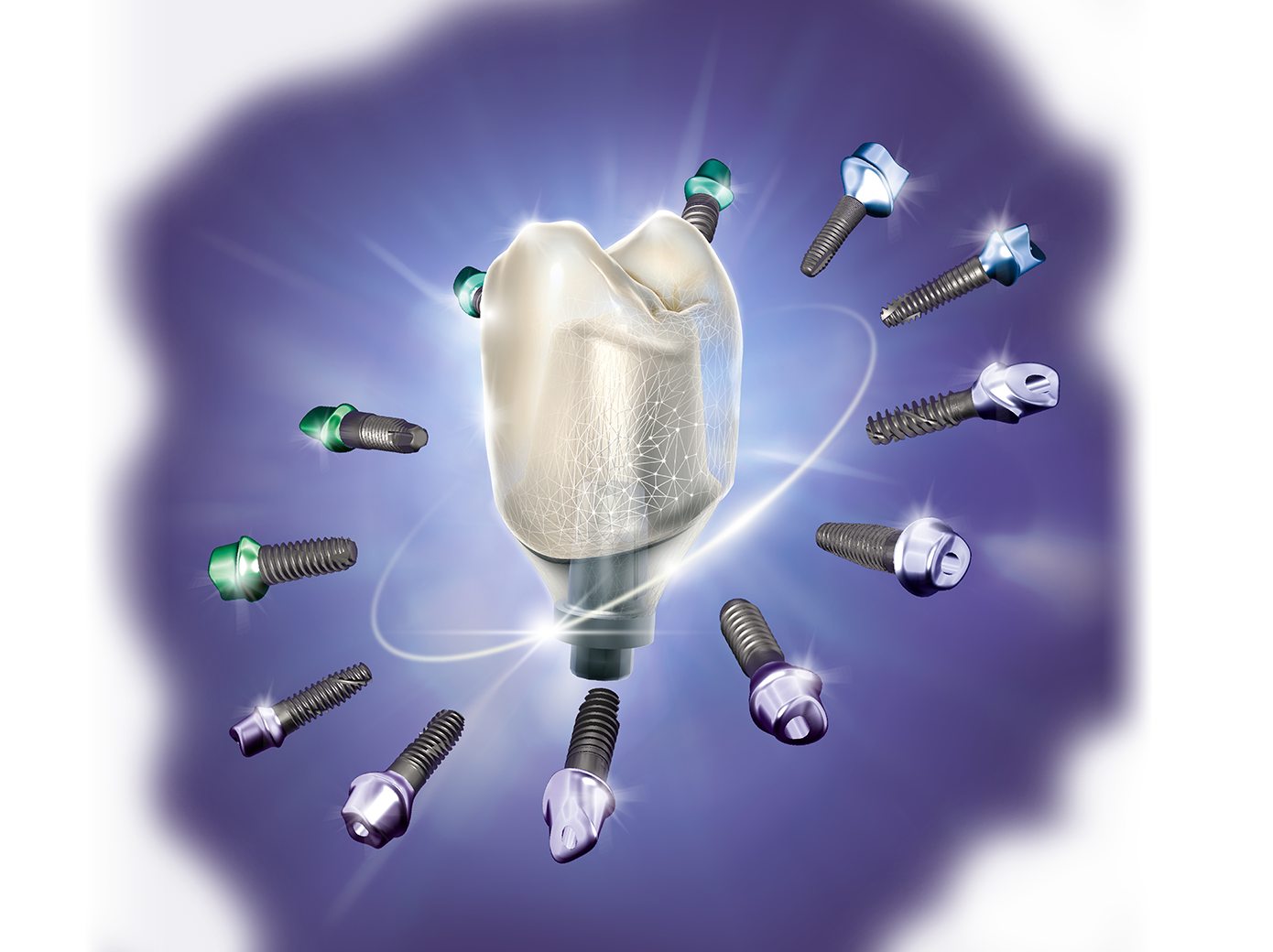
Perhaps the most overlooked feature of exocad is its modular design itself. The core software handles a broad range of applications, and add-on modules let a lab tailor the platform to the services it wants to offer. Provisional and bite splint modules are good examples, along with implant, denture, and partial framework capabilities.
Each module represents a potential service line. Provisionals pair naturally with PMMA milling. Bite splints pair with printing. Adding even one service can bring in revenue from dentist clients who may currently be sending that work elsewhere. exocad also offers specialized module bundles that group commonly purchased modules together, which can make expanding more cost-effective than adding them one at a time.
Making the Most of What You Already Have
You do not need to adopt all five at once. A practical approach is to pick one feature per month, test it on a few cases, and decide whether it earns a permanent place in your workflow. Ask your team which parts of the software they have never opened. The answers are often surprising.
AmericaSmiles is a certified exocad reseller and provides training and support to help labs get more from the software they already own. Both Perpetual and Flex licenses are available, and our team can help you understand what your current bundle includes and which modules make sense for your case mix.
If you are not sure what your lab might be missing, reach out. A short conversation might uncover the next service you add.